
How to view my transactions :
1st, Login to your account and click on "Me".

2nd, Go to "MY TRANSACTIONS" option to see transaction details.
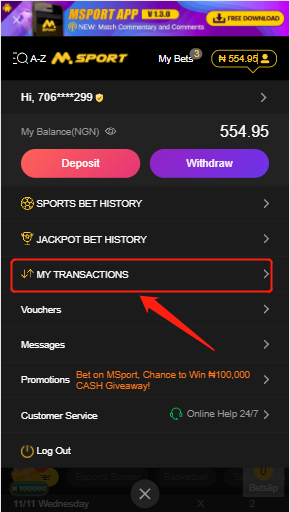
3rd, you can find all of your transaction records in "MY TRANSACTIONS" page.
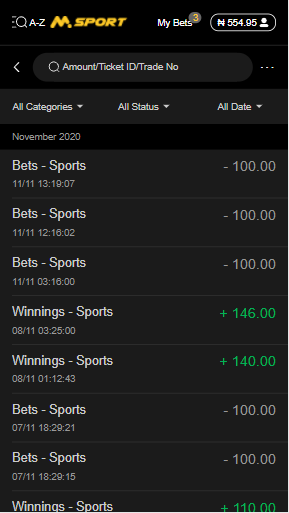
How can I found a specific transaction :
1st, Filter by trade type, status and trade time rage.
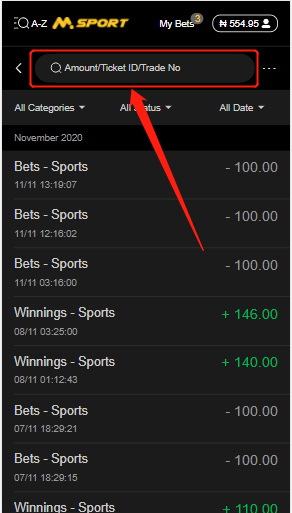
2nd, Search with the Trade ID / Ticket ID / Amount
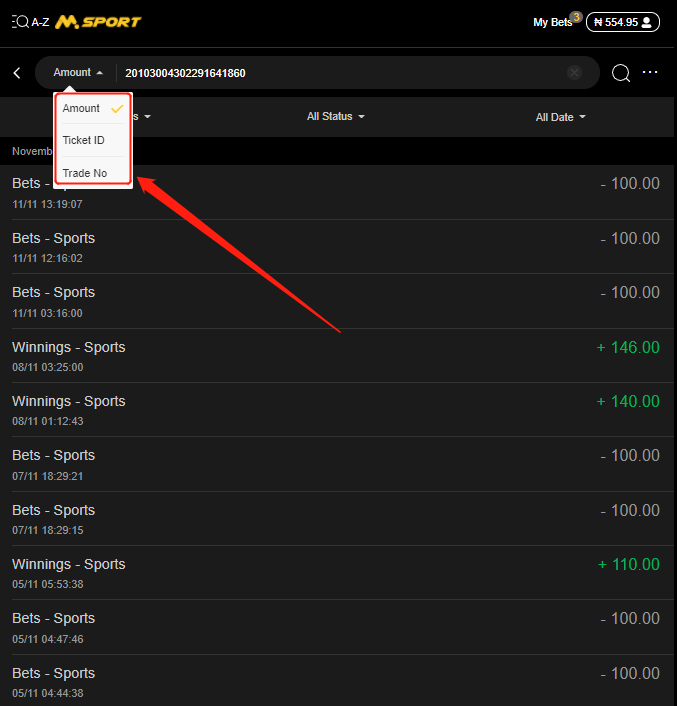
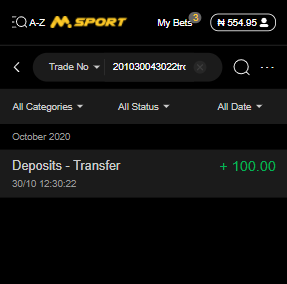
For example, if you want to search a transaction with the Trade No 201030043022trd91641860, you can shift the filter to "Trade No" and input 201030043022trd91641860. Then, click the "Enter". This transaction will be filtered out. Just as the following picture shows.
Comments
0 comments
Please sign in to leave a comment.